CurricuLLM LogoCurricuLLM
In the ClassroomFeaturesPricingTraining HubDevelopersFAQ
Free for teachers!

AI for

CurricuLLM is free for educators.

You can also trial with your entire school by reaching out to us.

CurricuLLM works with the following Australia and New Zealand Curricula:
Australian CurriculumNew Zealand CurriculumWestern Australia CurriculumThe Victorian Curriculum F-10

Trusted by educators across Australia & New Zealand

See how teachers and school leaders are transforming education with CurricuLLM's AI-powered platform.

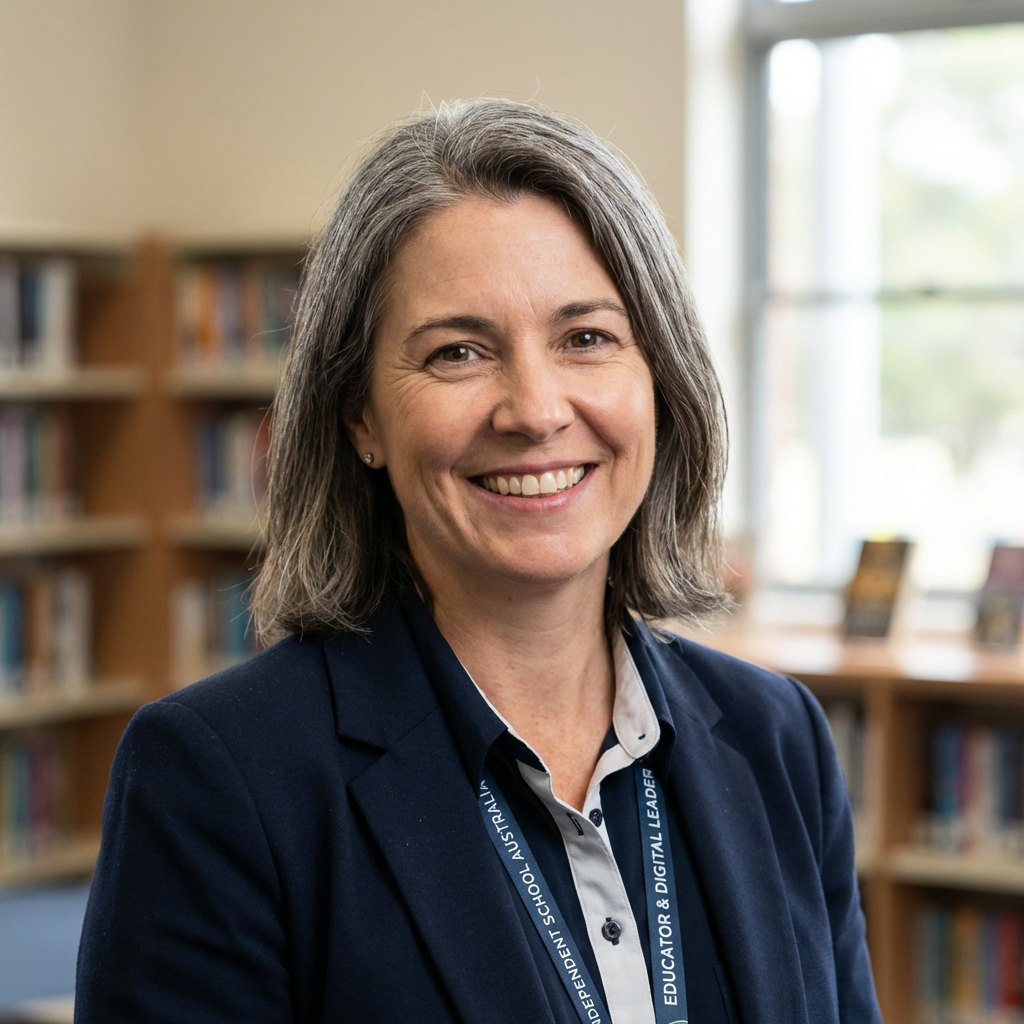
"The transference of skills across subjects and ability of CurricuLLM to tailor responses to students' mastery level is just brilliant and makes it a genuine personalised learning experience."
Educator and Digital Leader
Independent School, NSW
"Wow! I can see how activity generation in Live mode really helps during class."
Digital Leader
Digital Leader
Independent School, NSW
"This is the only platform we have seen that uses student progression in such a unique way."
Teacher
Teacher
Independent School, Victoria
Create differentiated flashcards from a worksheet in 30 seconds

Create differentiated flashcards from a worksheet in 30 seconds

In the CurricuLLM studio, turning your existing worksheets into differentiated flashcards is effortless. Open your worksheet in Studio. From there, you can select a specific student, group, or entire class you'd like to tailor the content for. Choose flashcards and CurricuLLM instantly uses student progress data and curriculum alignment to understand what level of support or challenge is needed. High quality, personalised practice tools for each student group, created in seconds, with no extra prep time.

Built for K-12 Education

Discover how CurricuLLM transforms education with AI-powered tools designed specifically for your curriculum and school.

Create Resources

Create Resources - Stacked layers representing different resource types

Create Resources

Upload your files and instantly generate teaching resources. Studio creates flashcards, quizzes, visual summaries, and audio explanations from your PDFs, slide decks, and documents, all aligned to curriculum.

Whole School Analytics

Whole School Analytics - AI for schools analytics dashboard showing performance data

Whole School Analytics

CurricuLLM gives administrators clear and simple analytics about what staff and students discuss and when. Schools can easily see which topics are popular, which might need more attention.

Safe and Personalised

Safe and Personalised - Shield with content protection and personalized learning

Safe and Personalised

Each conversation adjusts based on what the student already knows and what they need to practice more, using the curriculum to truly personalise every interaction. Content filtering allows access to important educational content while blocking inappropriate material, so students can freely explore topics like history and literature without unnecessary restrictions.

Full Curriculum Alignment

Full Curriculum Alignment - Curriculum mapping and alignment features

Full Curriculum Alignment

CurricuLLM's AI Chat helps teachers quickly find what they need without wasting time on links or uploading files manually. Teachers can ask questions and get immediate answers related directly to the curriculum. Every conversation, dashboard, and report links directly to your school's curriculum so teachers and administrators can easily see exactly how student progress matches curriculum goals.

Live Class View

Live Class View - Real-time student monitoring and progress tracking

Live Class View

See what students are working on in real-time. Monitor progress, identify who needs help, and respond quickly to classroom needs. Perfect for supporting students exactly when they need it most.

Personalised Reports

Personalised Reports - Student tagging and personalized report generation

Personalised Reports

Tag students and classes with @ to incorporate real-time progress data into your prompts. Get personalised lesson plans and activities based on actual student performance and curriculum progression.

Prompt Starters

Prompt Starters - Curated prompt templates for education

Prompt Starters

Get started quickly with curated prompt templates from leading schools. Best practices for lesson planning, differentiation, assessment, and engagement all in one place.

Multi-modal Learning

Multi-modal Learning - Audio, visual, and interactive learning features

Multi-modal Learning

Bring learning to life with CurricuLLM's advanced "Voice Out" feature, designed to engage learners through authentic, localised accents. Ensuring cultural resonance by speaking directly to students in their native intonations. Generate diagrams and animations to help visualise complex concepts and make learning more engaging.

Work with Files

Work with Files - File upload and sharing capabilities

Work with Files

CurricuLLM lets teachers and staff quickly upload and share files directly in their conversations. This makes it easy to share lesson plans, rubrics, reading materials, and other important documents.

Customise the Look

Customise the Look - Themes, dark mode, and avatar customization

Customise the Look

Toggle between light and dark themes in the app for comfortable viewing any time of day. Choose from different color themes and personalise your avatar. Easy on the eyes whether you're planning lessons at dawn or grading assignments late at night.

Integrations

Integrations - LTI, SSO, Google Drive, and OneDrive connections

Integrations

Connect CurricuLLM to your existing systems with LTI and SAML. Integrate with LMS platforms like Canvas and enable single sign-on to keep teachers and students in sync. Access files from Google Drive and OneDrive directly in your conversations.

Users and Roles

Users and Roles - User management and role assignment

Users and Roles

CurricuLLM helps schools simplify user management. Administrators can quickly assign licences, set user roles, and create custom rules for content filtering. Managing who can access what becomes straightforward.

Pricing built for every educator

Choose a plan that fits your educational needs, from individual teachers starting out to growing schools and large systems.

Free
$0
/month
Perfect for individual teachers.
Get Started
Get Started today:
Curriculum aligned
50 messages per day
20 conversations in history
2MB file uploads
Student emulation
Good accuracy
Memory
Speech input and output
3 studio generations per day
UnlimitedPopular
$9
$6
/month
Until 30th June 2026
Ideal for professional educators.
Join now
Unlimited Features
Everything in Free
Unlimited messages
Unlimited conversations
Unlimited file uploads
Excellent accuracy
9 studio generations per day
School
Contact us
Schools leading with AI
Contact Us
School Features
Student access
Progression memory
Custom content filtering
Custom roles and users
School analytics
LMS Integration
Single Sign-On
Pooled studio generations

Book a Demo

Schedule a demo to see CurricuLLM in action

Frequently Asked Questions

Everything you need to know about CurricuLLM and how it can transform your educational workflow

For Educators

Why is it different to other products?
CurricuLLM is purpose-built for education with automatic curriculum alignment, student progress tracking, and personalised differentiation. Unlike generic AI tools, it understands educational outcomes and adapts content to each learner's level.
Do I need to write prompts or know how to use AI?
No, CurricuLLM is designed for educators. You use everyday language or just upload a file. No prompt engineering required.
Can I create resources for different ability groups?
Yes. Just select a student, group, or class, and CurricuLLM will adapt the content to match their level and needs.
Can I upload my own materials?
Absolutely. Upload PDFs, slide decks, or documents and Studio will generate flashcards, quizzes, visuals, and more.
How does CurricuLLM align with my curriculum?
It automatically matches content to your national or local curriculum outcomes. You'll see what's covered and what's missing.
Can I use CurricuLLM with just one class?
Yes. You can start small and scale up when ready.
How much time will it save me?
Most teachers save 5–10 hours per week by automating planning, resource creation, and differentiation.

For Leaders

Is CurricuLLM safe for students to use?
Yes. It includes content filtering, admin permissions, and secure student modes to ensure responsible AI use.
How does CurricuLLM help improve learning outcomes?
It tracks student progress against curriculum outcomes and ensures every learner receives aligned, personalised support.
Can I see curriculum coverage across subjects or classes?
Yes. You'll get realtime insights into what's being taught, where gaps exist, and how different groups are progressing.
Can we integrate CurricuLLM with our LMS or SSO?
Yes. CurricuLLM supports integration with most major LMS platforms and school wide authentication.
Do teachers need training to use it?
No. It's designed to work instantly, with a familiar, intuitive interface and minimal setup. We have free online resources to get started.
How do school licences work?
You can licence CurricuLLM for a single school, year level, or entire system, with admin tools for deployment and oversight.

For Students

Can I ask my own questions?
Yes. You can ask anything in your own words and get a clear, curriculum aligned explanation.
Will it remember what I've already learned?
Yes. CurricuLLM personalises responses based on your progress and adjusts support as you improve.
Can I use CurricuLLM even if I struggle with reading or language?
Yes. You can listen to explanations, get visual summaries, and adjust the difficulty to fit your needs.
Is it cheating to use CurricuLLM?
No. It doesn't give you answers to copy, it helps you understand topics so you can learn and succeed on your own.

General

What is Studio?
Studio lets you upload your own files and instantly generate teaching resources, like flashcards, quizzes, visuals, and more, all aligned to curriculum.
Is there a free version for teachers?
Yes. Teachers can start using CurricuLLM for free.
Does CurricuLLM work outside of Australia/NZ?
Not right now, but please reach out if you are interested, we're launching in new jurisdictions soon.
Can I try it before buying for my school?
Yes. We offer free pilots and demos for schools, just reach out to get started.

Teaching, safely supported by AI

Curriculum-aligned tools that give teachers more time, personalise learning for every student, and ensure safety in the classroom.

CurricuLLM Logo
CurricuLLM

AI for schools

Product

FeaturesPricingDevelopersUse CasesFAQ

Company

About usPrivacy policyStatusContact

Resources

Terms of useSupportTraining hubBlog