
6.4 Using CurricuLLM as a Classroom Assistant
How to use CurricuLLM live during lessons.
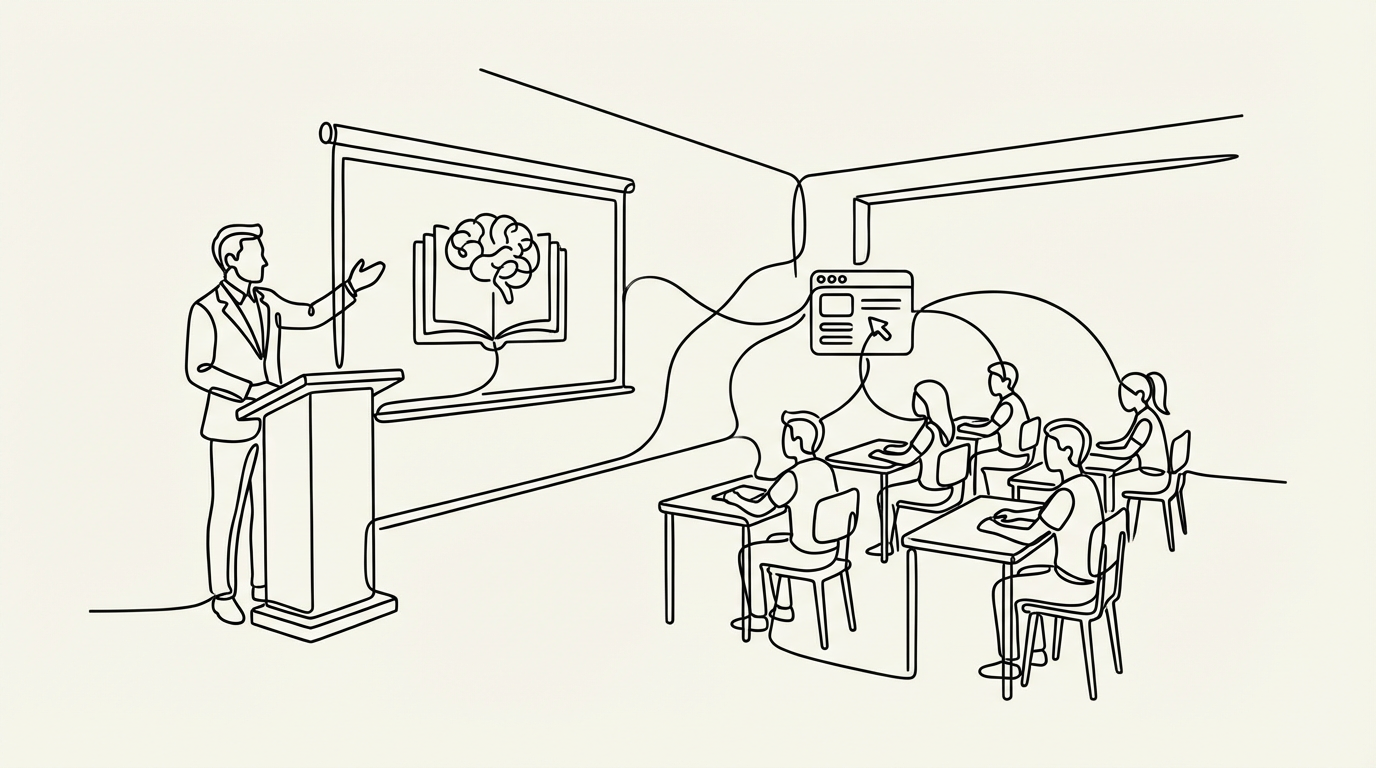
CurricuLLM can be used live in the classroom to support teaching, answer student questions, and provide on-the-spot examples or activities.
How you can use it
- Quick examples on demand:
- "Show me a model paragraph comparing two characters."
- "Give me a worked example of a percentage discount problem."
- Student practice during class:
- "Generate three short practice questions for Year 7 science right now."
- "Ask students guiding questions about today's history topic."
- Clarify concepts immediately:
- "Explain the difference between speed and velocity in simple terms."
- "Give me a diagram of the water cycle for the whiteboard."
- Support group activities:
- "Suggest discussion prompts for small groups working on a civics project."
- "Provide debate topics suited for Year 10 English."
Teacher tips
- When students use CurricuLLM, it will naturally use Socratic questioning, asking guiding questions back instead of just giving answers. This keeps learning active and helps students think for themselves.
- Use it to save time in the moment, not replace your teaching.
- If students are asking their own questions, remind them to keep prompts clear, curriculum-aligned, and safe.
Why it helps
CurricuLLM can act as a helpful extra voice in the room, ready with examples, explanations, or practice questions. Teachers can manage the class more smoothly and respond flexibly to student needs.