CurricuLLM LogoCurricuLLM
In the ClassroomFeaturesPricingTraining HubDevelopersFAQ
3. Teacher Guides
Training Hub3. Teacher Guides

3. Teacher Guides

This section shows teachers how to connect what they do in class with the curriculum. CurricuLLM is more than just a tool that answers questions, it works like a curriculum helper that supports you with lesson planning, checking assessments, and reporting. As AI for schools continues to evolve, these guides help you make the most of it.

In This Section

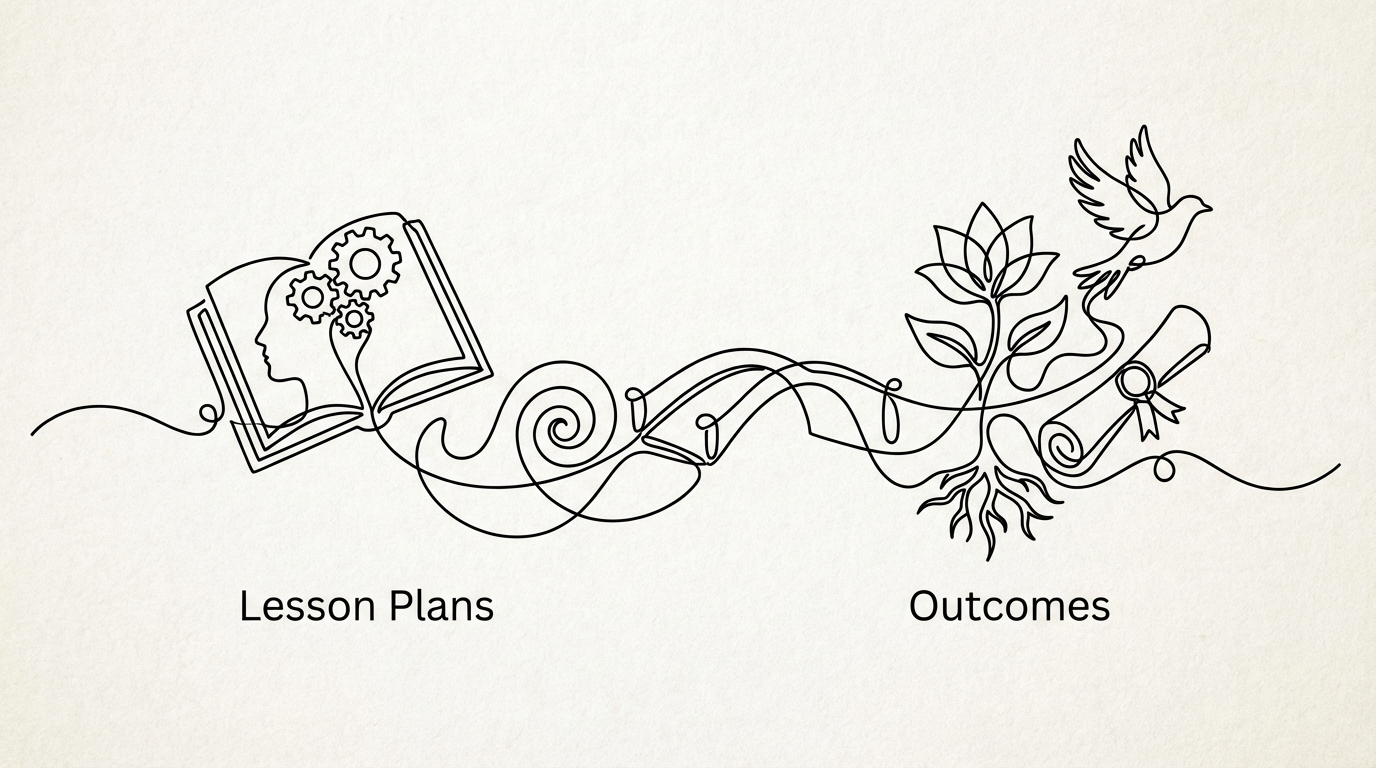
3.1 Linking Lesson Plans to Outcomes

3.1 Linking Lesson Plans to Outcomes

How to connect your lessons to curriculum outcomes.

3.2 Practical Teaching Examples: Using Studio to Create Resources

3.2 Practical Teaching Examples: Using Studio to Create Resources

Real-world examples showing how to use Studio mode to upload teaching materials and generate artifacts like worksheets, activities, and assessments.

3.3 Using AI to Manage Personalised Learning in a Class

3.3 Using AI to Manage Personalised Learning in a Class

How to differentiate tasks for different ability levels.

3.4 Creating Rubrics and Reports with Outcome Links

3.4 Creating Rubrics and Reports with Outcome Links

How to generate rubrics and reports linked to curriculum outcomes.

3.5 Checking Assessments Against Curriculum Requirements

3.5 Checking Assessments Against Curriculum Requirements

How to verify your assessments align with the curriculum.

3.6 Mapping Tasks to Ensure Full Curriculum Coverage

3.6 Mapping Tasks to Ensure Full Curriculum Coverage

How to check you are covering all required outcomes.

3.7 Finding Cross-Curriculum Priorities

3.7 Finding Cross-Curriculum Priorities

How to identify connections to broader learning themes.

3.8 Using Student Emulation

3.8 Using Student Emulation

How to test student-facing responses as a teacher.

3.9 Using the Progression Agent

3.9 Using the Progression Agent

How to use @ tagging and the + button to incorporate student progression data into your prompts for personalised differentiation, reporting, and intervention planning.

3.10 Using Diagrams to Support Learning

3.10 Using Diagrams to Support Learning

Practical workflows for generating diagrams when students struggle, building an approved library, and integrating visual explainers into your teaching.

Back to Training Hub

Previous Section

2. Curriculum at Your Fingertips

Next Section

4. Student Guides

CurricuLLM Logo
CurricuLLM

AI for schools

Product

FeaturesPricingDevelopersUse CasesFAQ

Company

About usPrivacy policyStatusContact

Resources

Terms of useSupportTraining hubBlog